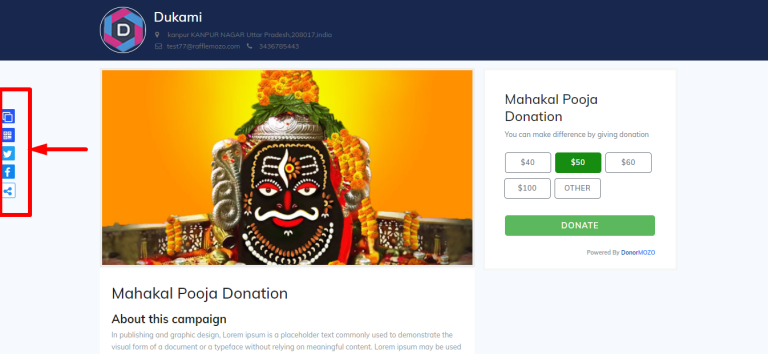
Step 1:
To sharing your campaign, go to the campaign list and click on the "campaign name" as you can see the image below.
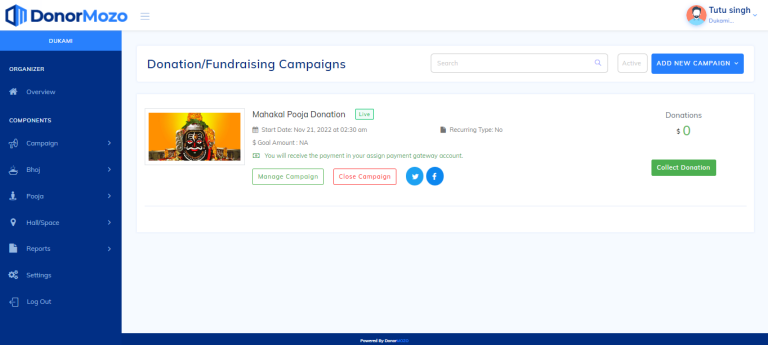
Step 2:
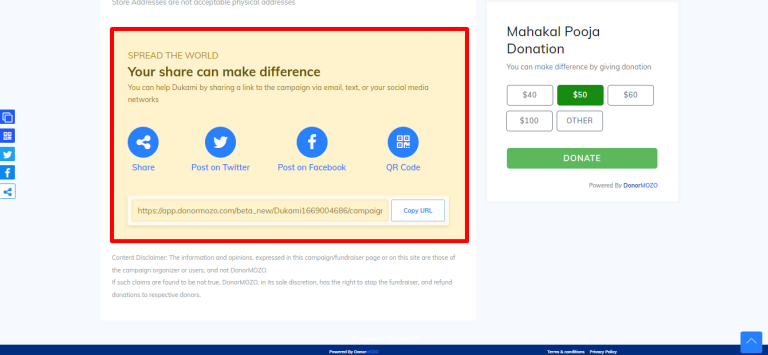
Once you click on the campaign name, campaign full view will displayed and you can share you campaign's through URL, QR code, Facebook, Twitter etc. as you can see the image below.