Step 1:
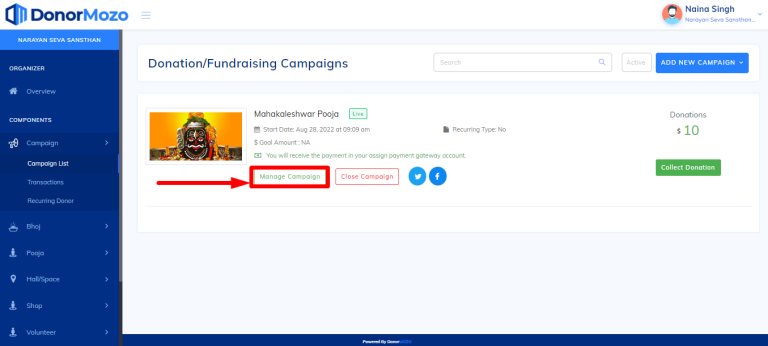
To update, go to the campaign list and click on "Manage Campaign" as you can see image below.
Step 2:
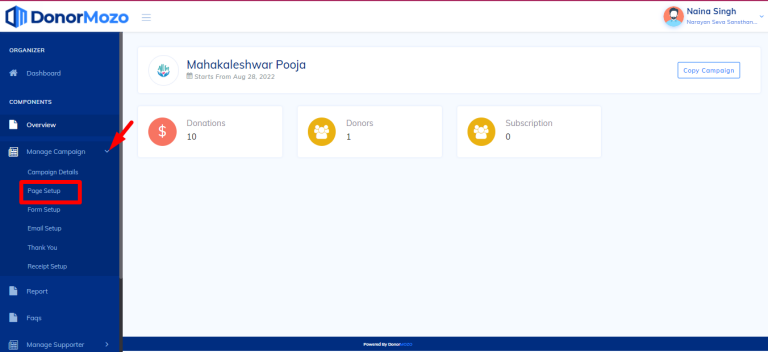
Now click on the "Page setup" from left panel.
Step 3:
(A) Once you click on page setup. page setup form will be opened, Now click on the top of image and select image from your folder then save it.
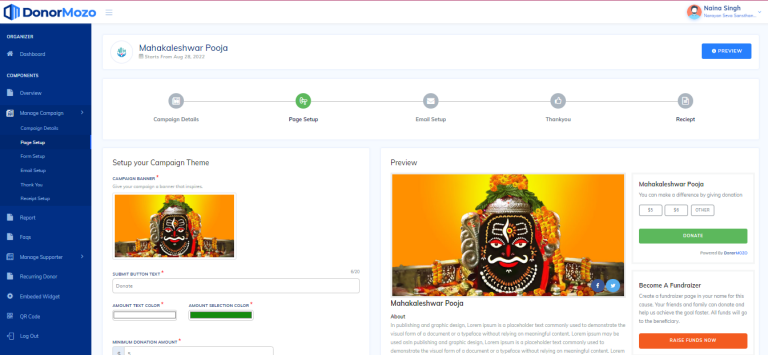
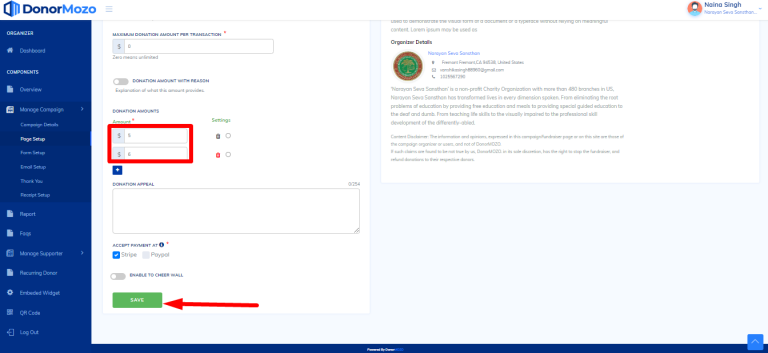
(B) Scroll down the page and change amount in the "Amount Donations" field and click save as you can see the image below.
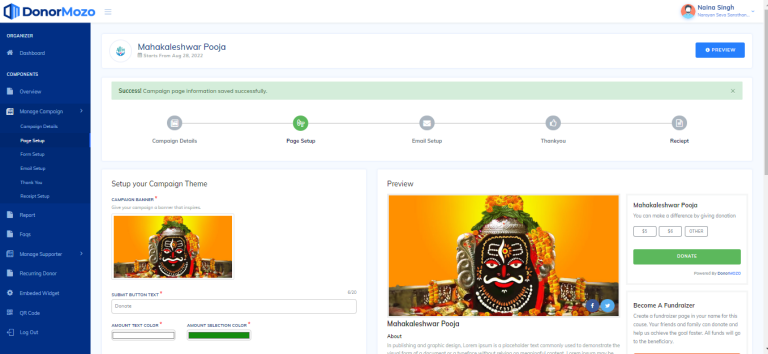
Step 4:
Once you save, your campaign will be updated with the success message line as you can see the image below.