Step 1:
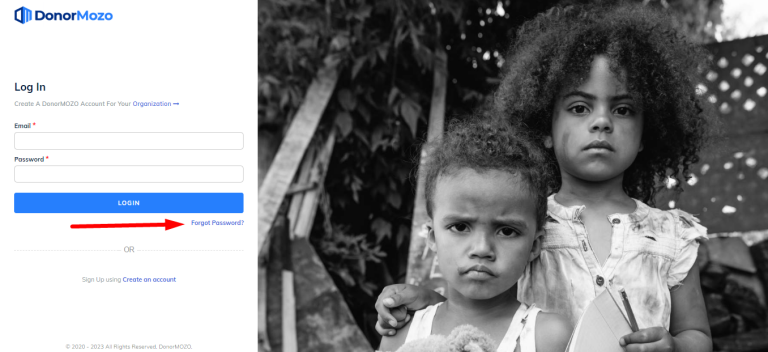
Go to the url "https://app.donormozo.com/" and click on the "Forgot Password".
Step 2:
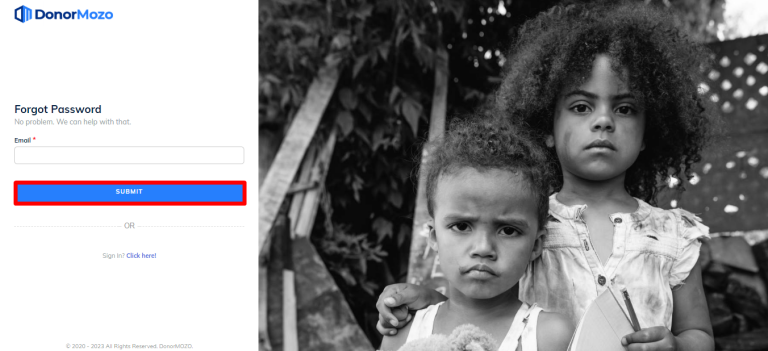
Now enter existing email and click on the "Submit".
Step 3:
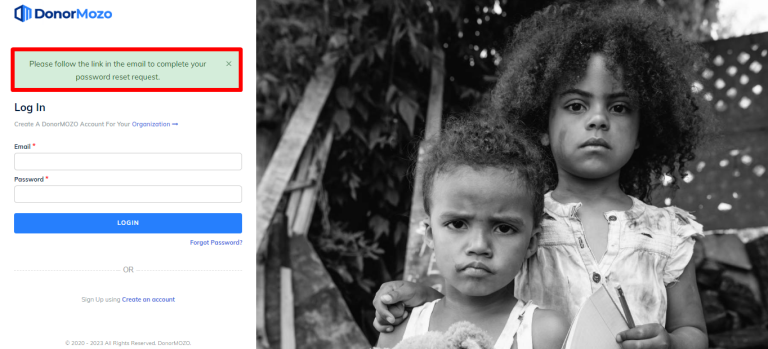
Once you submit, you will recieve an email on your mail inbox.
Step 4:
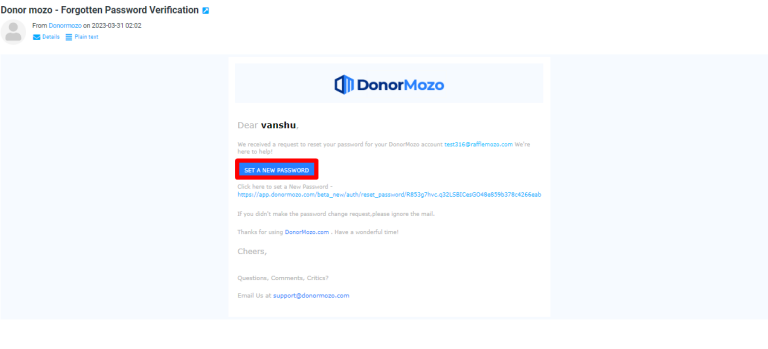
Go to your mailbox and click on "Set A New Password".
Step 5:
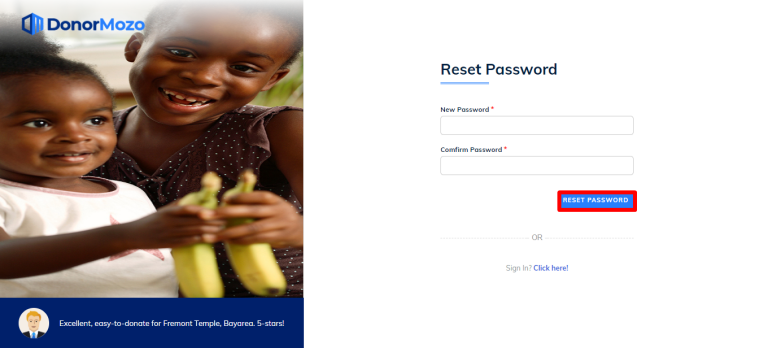
Now enter your new password and click on "Reset Password" button.
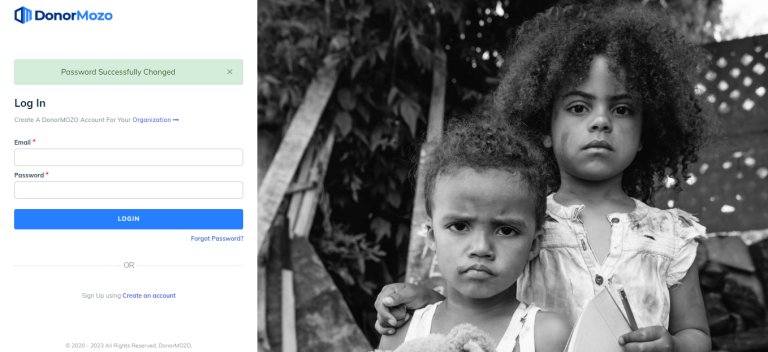
Step 6:
Once you reset password, your password will be changed and you will be redirected on login.